
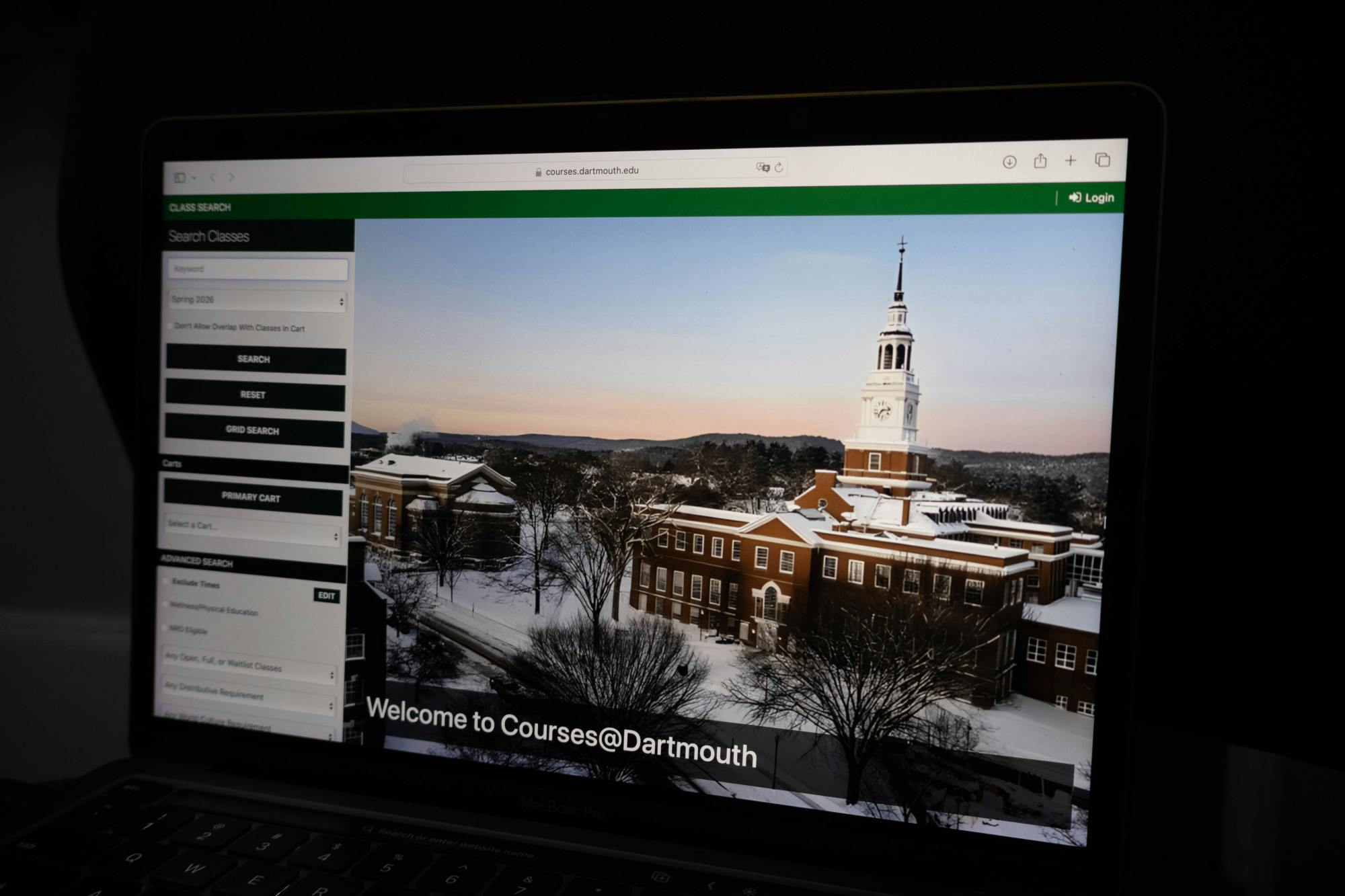
On March 23, the School of Arts and Sciences Registrar’s Office and the Information, Technology and Consulting office rolled out the College’s new course selection software Courses @ Dartmouth, which features mobile compatibility, a user interface overhaul and features to prevent crashes on add/drop days. In interviews with The Dartmouth since the software’s launch, students expressed concerns about the system’s accuracy and user accessibility.
The new software is “much more modern” than the previous course selection timetable, which was designed in the 1980s and was “at the end of its rope,” according to ITC student and academic support systems director Samuel Cavallaro, who helped to design Courses @ Dartmouth.
The old software “was poor and unreliable,” Cavallaro said. “On add/drops and course adjustments, it would break.”
Courses @ Dartmouth prevents site failures when hundreds of students use it simultaneously through a “throttle” that saves selections when the software receives high traffic, Cavallaro said.
“If the performance starts to degrade when you have 500 students coming in at 8 a.m., it has a mechanism inside so that it doesn’t lose any of the add/drop selections by students,” Cavallaro explained.
The new system is designed to work “extremely well” on mobile devices and integrates important course information, including prerequisite requirements, course priorities and course assessment responses, Arts and Sciences registrar Eric Parsons wrote in an email statement to The Dartmouth.
Although the official course selection period for the spring took place last term, students have been able to use Courses @ Dartmouth add or drop courses for the current term. The academic timetable application on DartHub now also redirects to Courses @ Dartmouth.
Victoria Cosmo ’28 said the new system made choosing her classes “difficult.”
“The browsing itself makes it harder for you to look through all of the classes at once,” Cosmo said. “We were all very used to the old course selection system, so the new appearance is jarring.”
Eric Xu ’29 said that he wouldn’t use the new system’s mobile compatibility unless he was “desperate.”
“I want it to be faster so that I can snipe a course, so I just do [course selection] on my computer,” Xu explained.
Nonetheless, Xu said he thinks the new system “looks better.”
Ethan Korenda ’28 said that he is “indifferent” to the new course election system but did not think “there was anything wrong with the last one.”
“I’m slightly inconvenienced that I will have to learn a new interface, but I’m sure I'll be able to do it in about five minutes and I will move on,” Korenda said.
Courses @ Dartmouth uses software designed by CourseLeaf, the same vendor used by Brown University, according to Parsons.
“CourseLeaf designed this software with input from Brown University and Dartmouth College, although it has taken Dartmouth several years to implement the software,” Parsons wrote.
While students might take some time to adapt to the new system, Cavallaro was optimistic about the future of Courses @ Dartmouth and hopes that it will “continually improve.”
“I’ve been here 18 years, and in that time, this is one of the most successful projects I’ve seen,” Cavallaro said. “We included the whole enterprise in every school” — the Geisel School of Medicine, the Thayer School of Engineering, the Tuck School of Business, the Guarini School of Graduate and Advanced Studies and the School of Arts and Sciences.


